


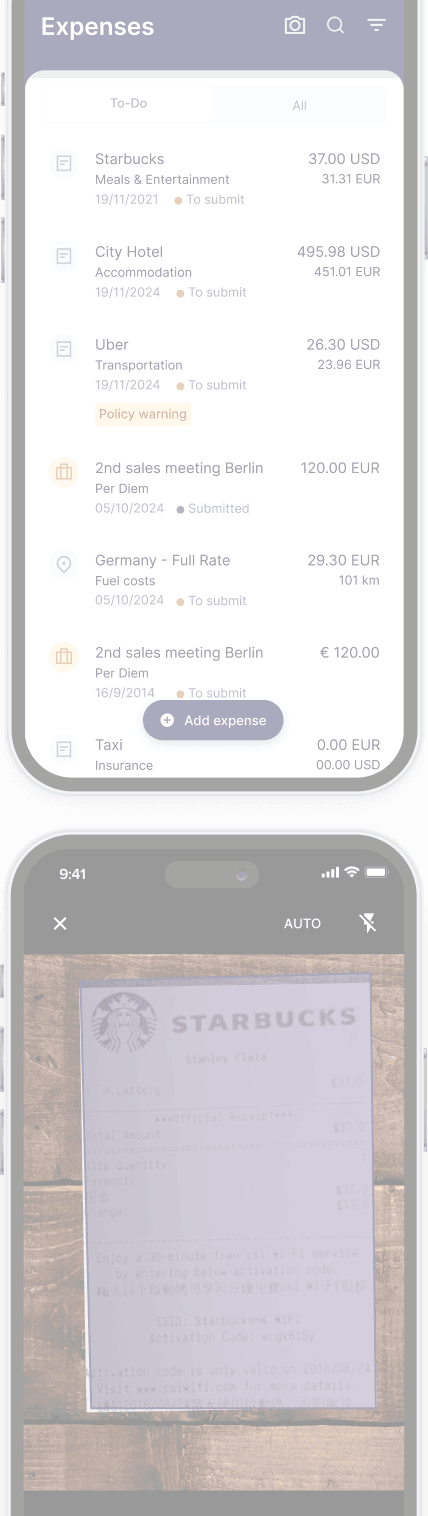
Download our app 

See our mobile app in action

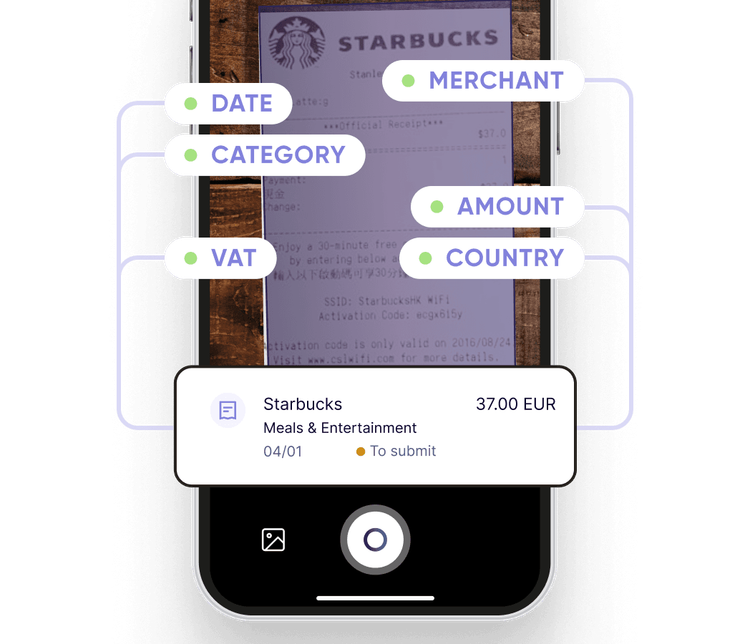
Accurate expensing in just 10 seconds
Rydoo uses AI to scan receipts and auto-populate the merchant, amount, date, currency, country, and tax rate with 95%+ accuracy. After scanning, users only need to categorise the purchase and submit the expense.
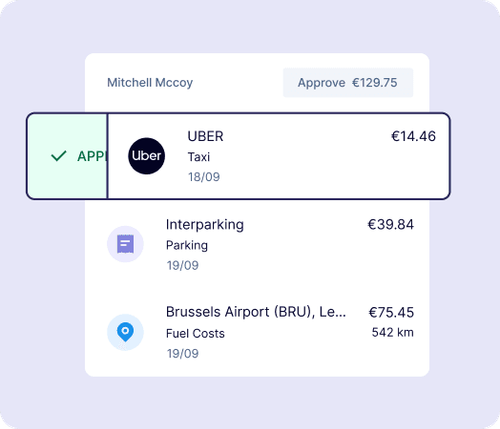
Review expenses instantly
Managers can review and approve expenses as they happen, access digital receipts, and follow up when needed to ensure policy adherence and speed up reimbursements.
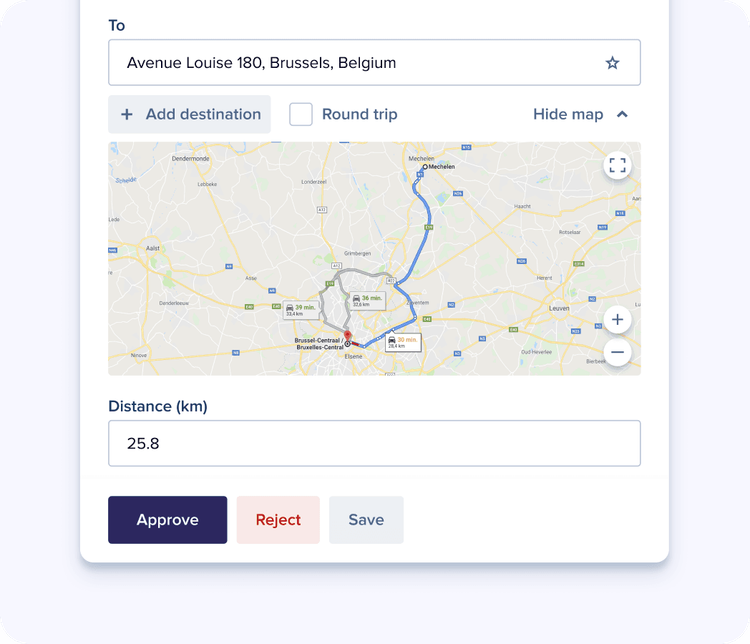
Simplify mileage tracking
Users only need to mark their trip’s starting and ending points on our Google-integrated map, and the Rydoo app will calculate the reimbursement amount based on official rates.
Hear it from our users
 Alessandra M.
I scan the receipt and when I open the app, BOOM, it’s there and I just have to fill out a few quick details and it does the rest.
- Direct user feedback

Carlos B.
It’s an easy way to create and review expense reports. No need to keep paper receipts which always get lost anyway.
- Direct user feedback
Julia K.
Rydoo works extremely well, both in terms of attachments forwarded by mail as well as expenses created through the app.
- Direct user feedback
Paul M.
The automated OCR makes scanning receipts super easy. And with it’s smooth design, the app is great to use.
- Direct user feedback
Maria S.
You take a picture, the OCR fills in most of the fields. Add a short comment and the report is done! All before you’ve left the restaurant!
- Direct user feedback
Discover more benefits

Improve budgeting and expense control
Quickly identify trends and anomalies and respond with agility.

Manage expenses in seconds
Submit accurate expenses effortlessly and in real-time.

Modernise your expense process
Achieve a new level of efficiency, control and productivity.

Stay compliant across locations
Access official tax, per diem, and mileage data for over 80 countries.